ONTMOET - Ontmoet de revolutionairen
Ga terug in de tijd en kom oog in oog te staan met je voorouders. Elk van hen was een revolutionair in zijn eigen tijdperk - zich aanpassend, uitvindend, overlevend tegen alle verwachtingen in.

BINNENKORT BESCHIKBAAR
OUR ANCIENT SELVES
 Meta Quest & Meta Quest Pro
 SteamVR
 Pico
Pico
 Download
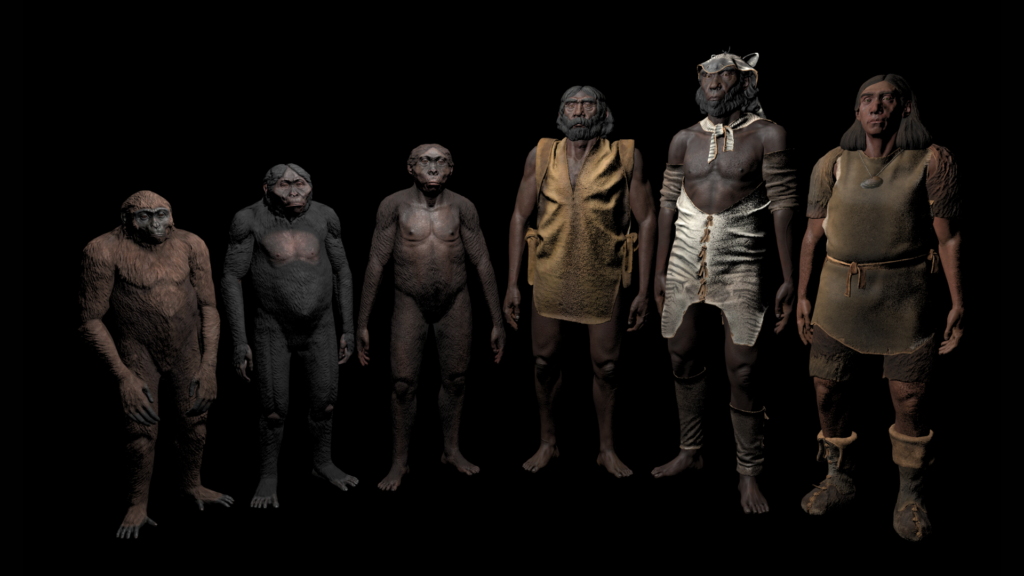
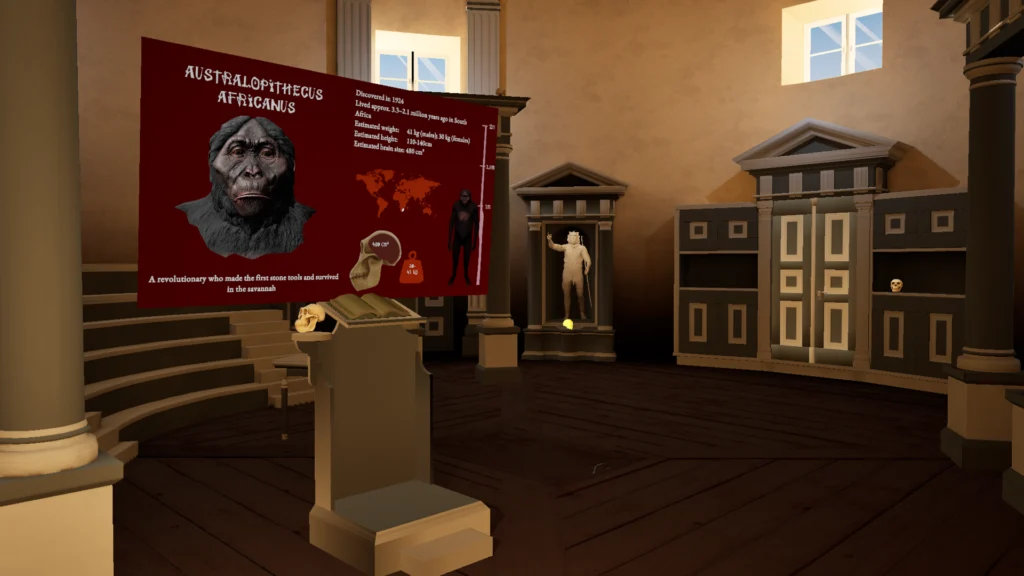
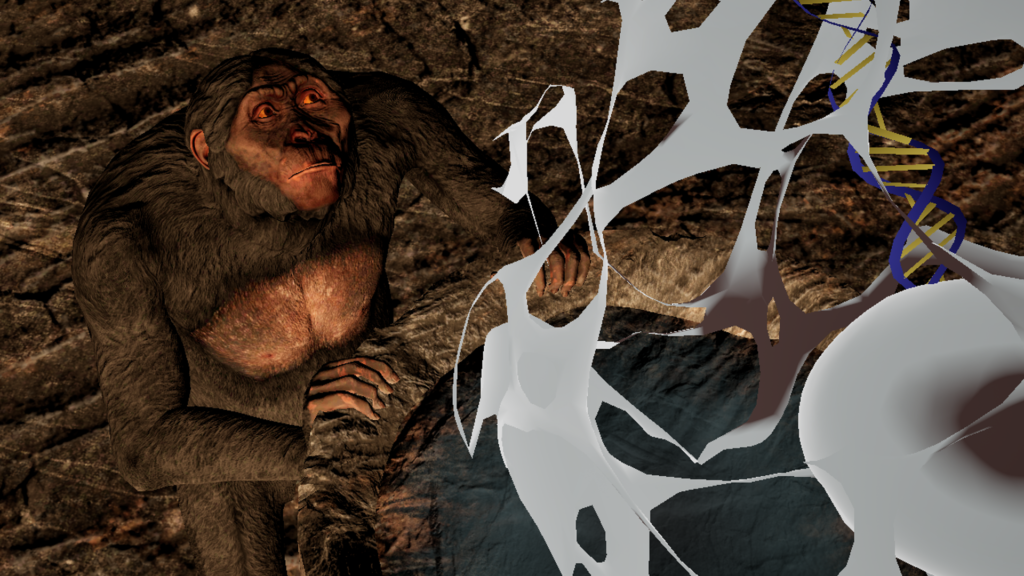



Dit is een praktijkgerichte leerervaring die leerlingen onderdompelt in het leven van onze verre voorouders. Tijdens deze virtuele reis gaan leerlingen in interactie met homininesoorten van Ardipithecus ramidus tot Homo sapiens, en ontdekken ze de grote lijn van de menselijke evolutie en hoe elke soort in haar eigen tijd revolutionair was.
Ga terug in de tijd en kom oog in oog te staan met je voorouders. Elk van hen was een revolutionair in zijn eigen tijdperk - zich aanpassend, uitvindend, overlevend tegen alle verwachtingen in.
Elke beslissing kan het verschil betekenen tussen uitsterven en evolueren. Heb jij de moed om te lopen zodat anderen kunnen rennen?
Zet verspreide schedels weer in elkaar, herbouw oude werktuigen en ontdek hoe elke kleine stap de moderne mensheid heeft gevormd.
De laatste updates, belangrijke ontwikkelingsfasen en spannend nieuws.
We beloven onze e-mails spamvrij te houden.
This website has been designed and built to meet WCAG 2.2 AA accessibility guidelines. We use technical solutions and content principles to make information accessible to as many people as possible. You can also improve accessibility using browser/OS settings and the on-page accessibility panel (including changing fonts).
A more detailed guide (in English): AbilityNet guide.
You can navigate this website using only a keyboard. Use Tab and arrow keys. Each Tab press moves focus to the next interactive element. Press Enter to activate the focused link.
The first link intended for keyboard users is “Skip to main content” (skip link), which bypasses the header/menu and moves to the main content.
You can change contrast to make reading easier. Use the “Contrast” options in this panel (yellow/black or default).
We recommend using your browser’s built-in zoom features first.
Hold Ctrl (macOS: Cmd) and scroll up/down.
Use the pinch-to-zoom gesture.
Open the browser menu (⋮ or ≡), choose Zoom, and adjust the percentage.
Windows 10/11: use Magnifier from the Start menu (search “Magnifier”).
macOS: Apple menu > System Preferences > Accessibility > Zoom.
A screen reader interprets on-screen content and outputs it in other formats (e.g., audio).
Content is created to be understandable for screen readers: images have text alternatives and structure supports logical navigation.
Popular screen readers:This website is partially compliant with WCAG 2.2 Level AA.
Non-accessible content and functions:
• The “Skip to main content” link may not function consistently across all templates. (WCAG 2.4.1 Bypass Blocks)
• The mobile navigation toggle button is not fully localized in all languages. (WCAG 3.1.2 Language of Parts)
• Some decorative or branding images lack descriptive alternative text. (WCAG 1.1.1 Non-text Content)
• Certain interactive components (such as modals or navigation panels) may not always preserve logical focus order. (WCAG 2.4.3 Focus Order)
We aim to implement a working skip-link solution (with a focusable target) and provide an accessible alternative for sending feedback.