Explorer Package
Introduce immersive learning — safely and simply
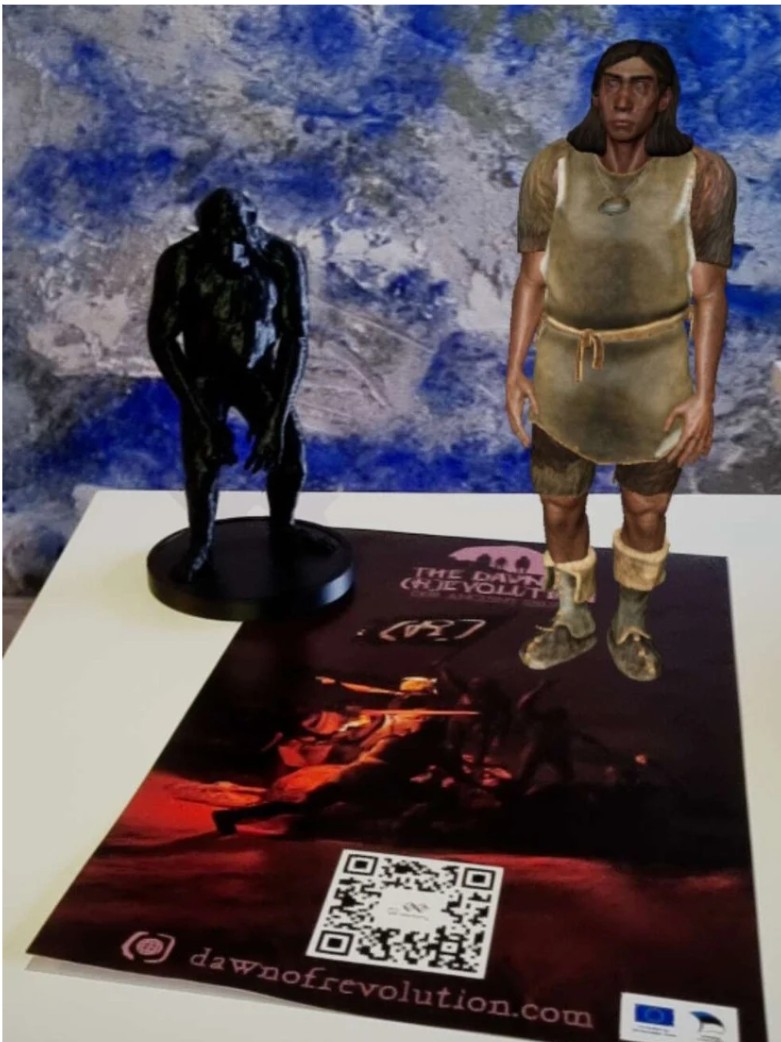
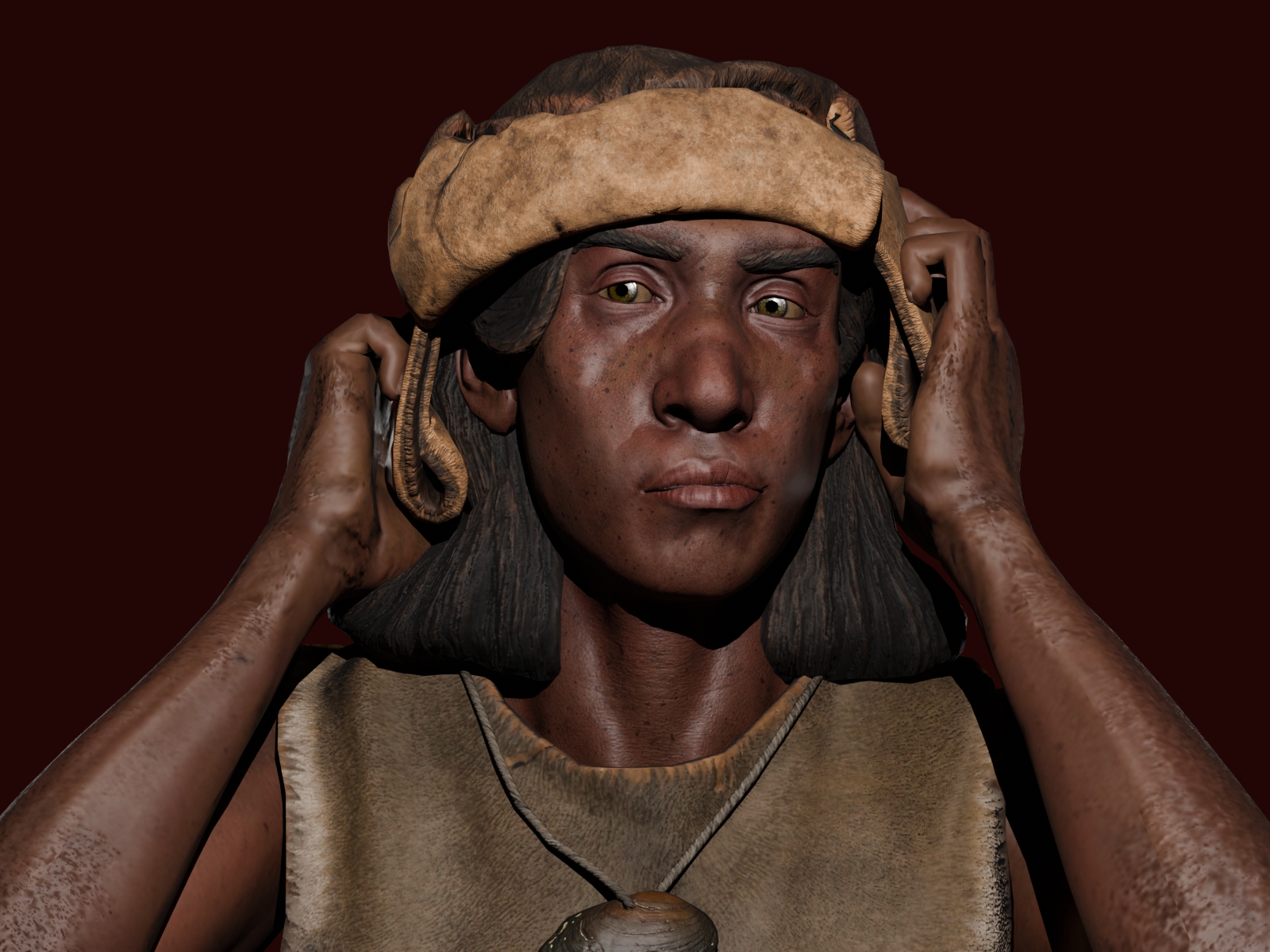
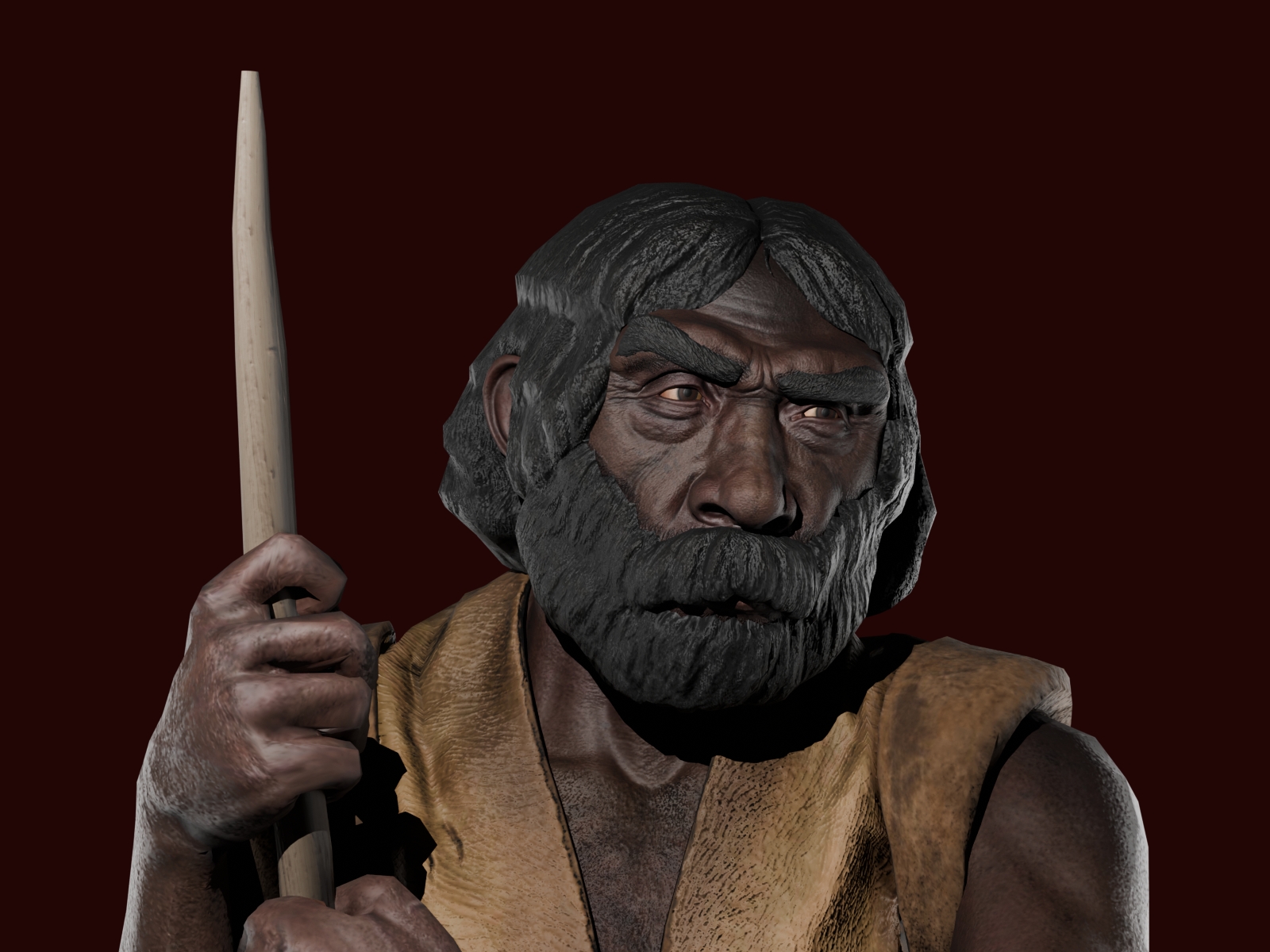
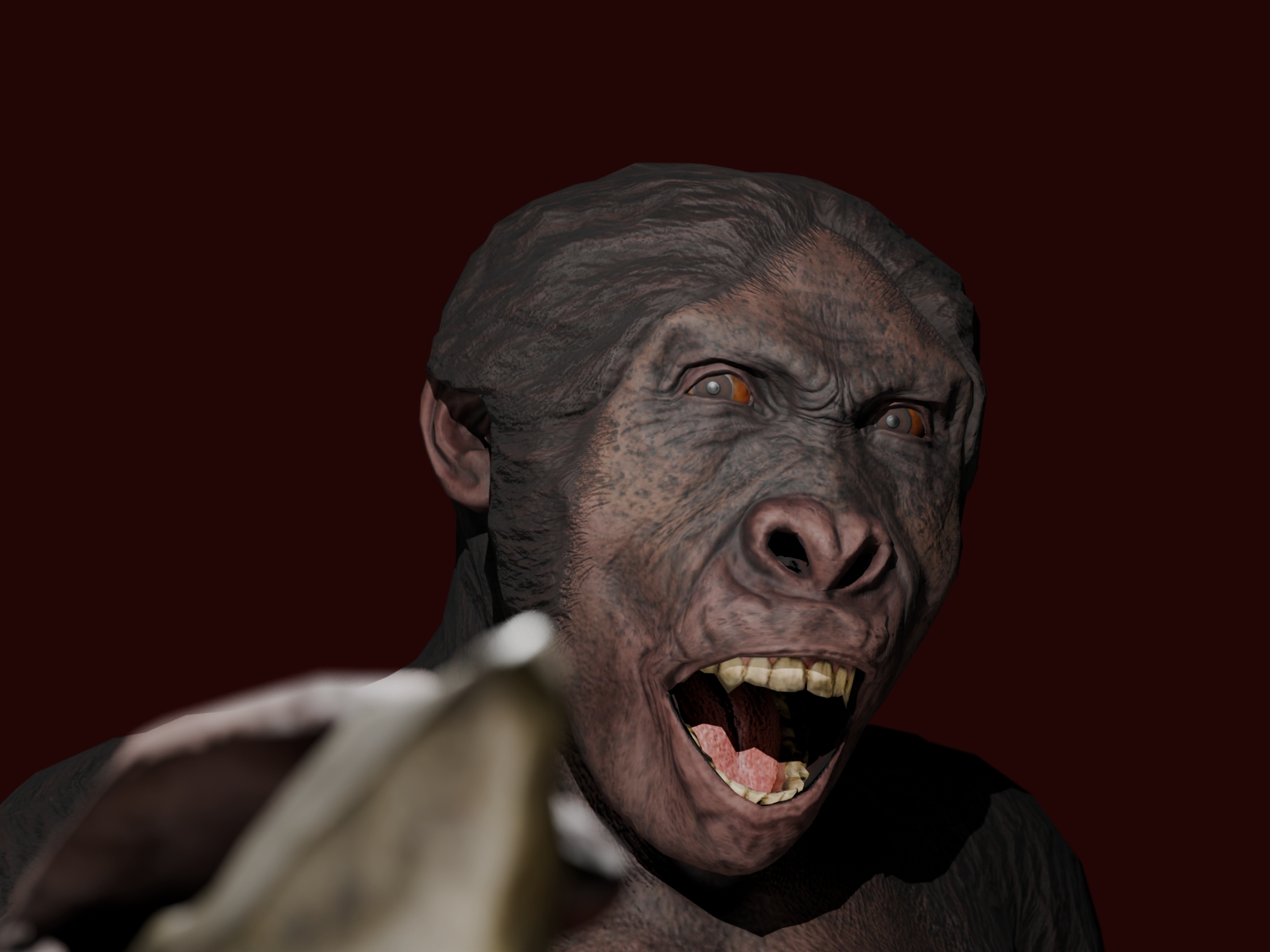
- 3D Models of Human Ancestors (Ardipithecus ramidus, Australopithecus africanus, Homo habilis, Homo erectus, Homo neanderthalensis, Homo sapiens)
- AR enabled lesson plans and worksheets

Introduce immersive learning — safely and simply
Curriculum-aligned immersive learning experience
Turnkey immersive classroom — fully equipped and supported
Tell us a bit about your school and we’ll contact you with a tailored offer.
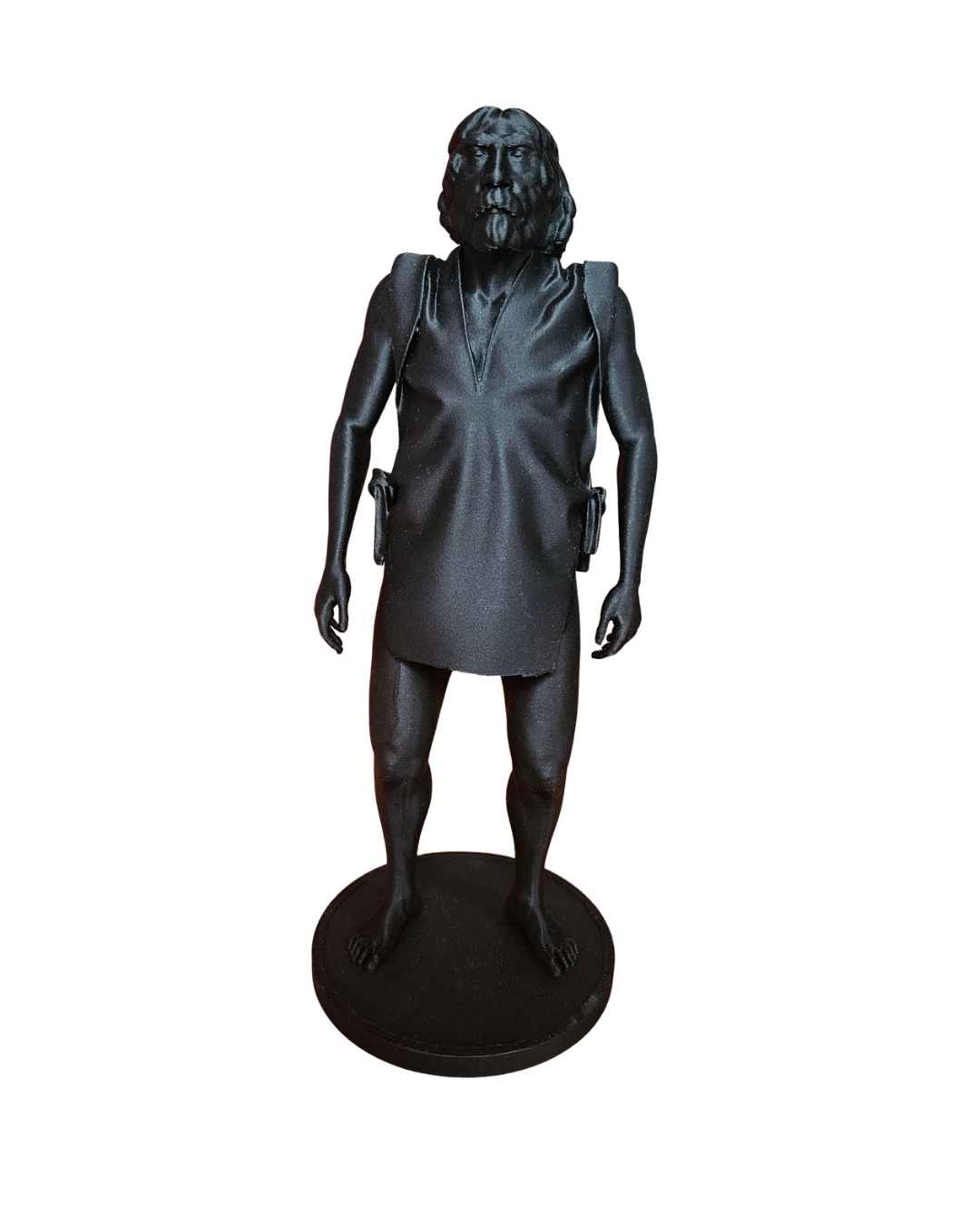
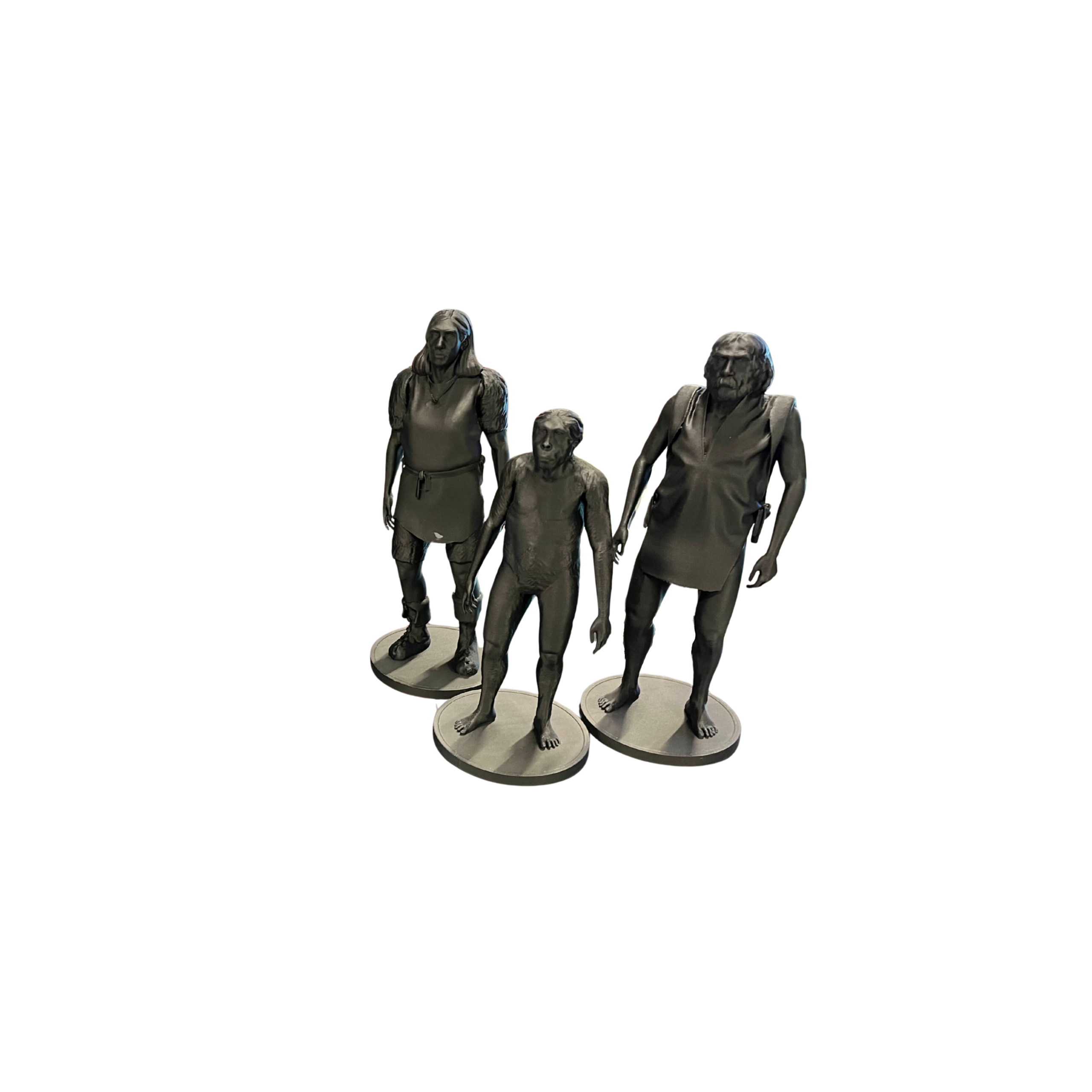
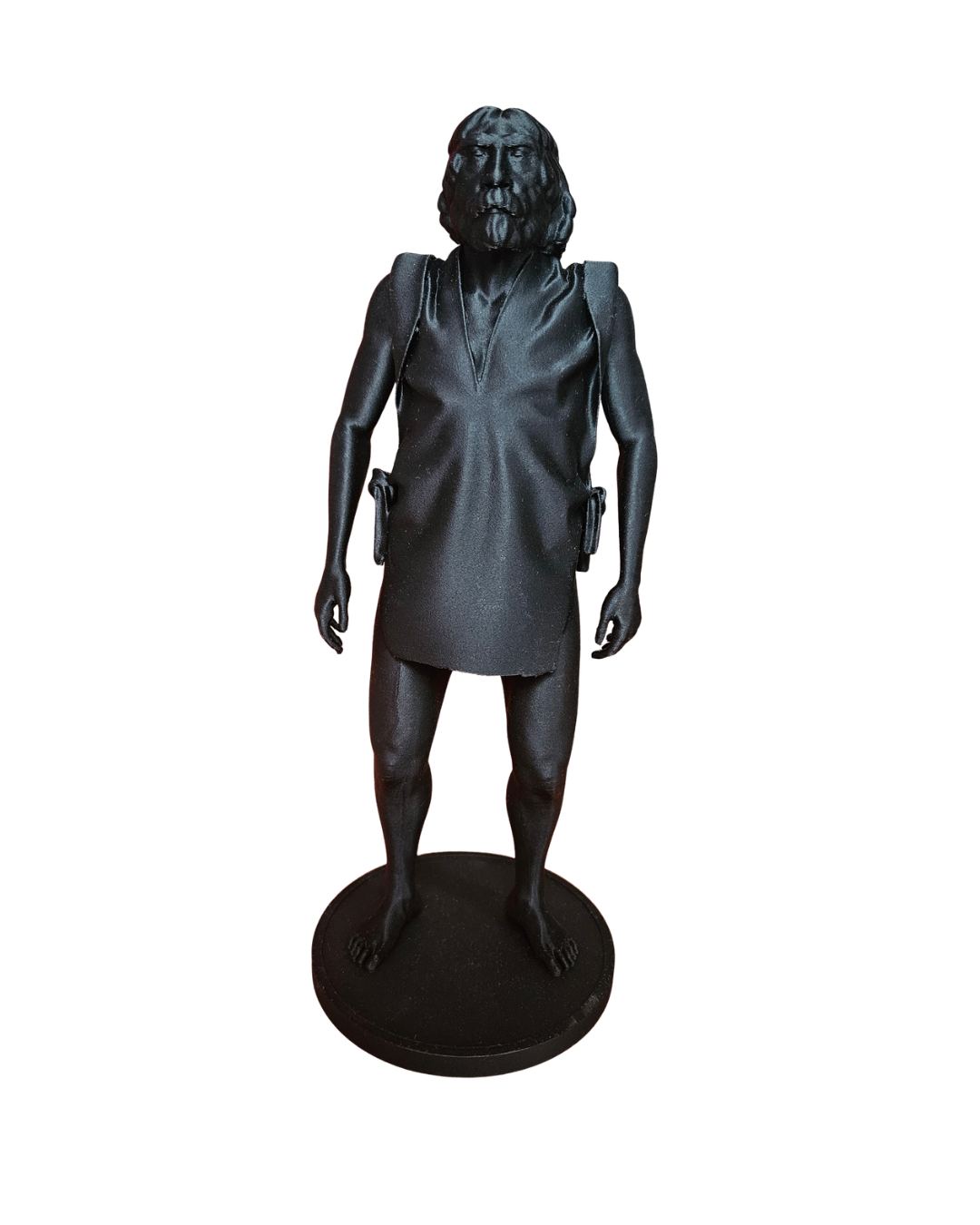
Coming soon!
Learning Goals: Develop curiosity about the story of human evolution and become familiar with the VR controllers.
Overview An introduction to the game and to the idea that the fossil remains of our human ancestors are surprisingly limited in number— small enough to fit into a single lorry.
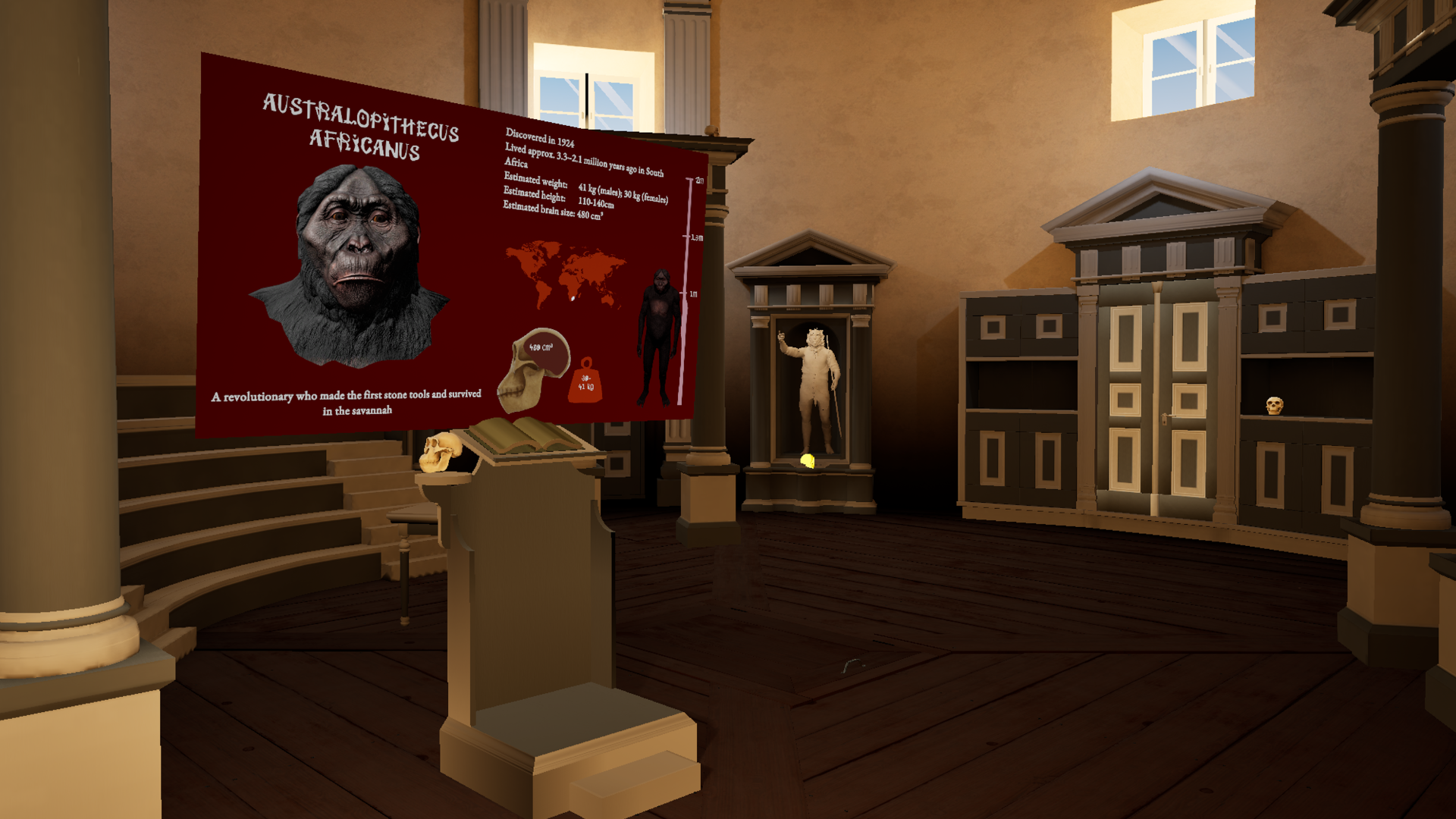
Learning Goals: Identify key hominin species and place them within the broader story of human evolution. Compare physical differences between ancestors.
Overview Set in a classical rotunda, this level pays tribute to Charles Darwin and On the Origin of Species. Through skull comparisons and narrative guidance, students are introduced to the ancestors from Ardipithecus ramidus to Homo sapiens. It helps them understand that human evolution was not a single leap, but a long and complex process shaped by many different species.
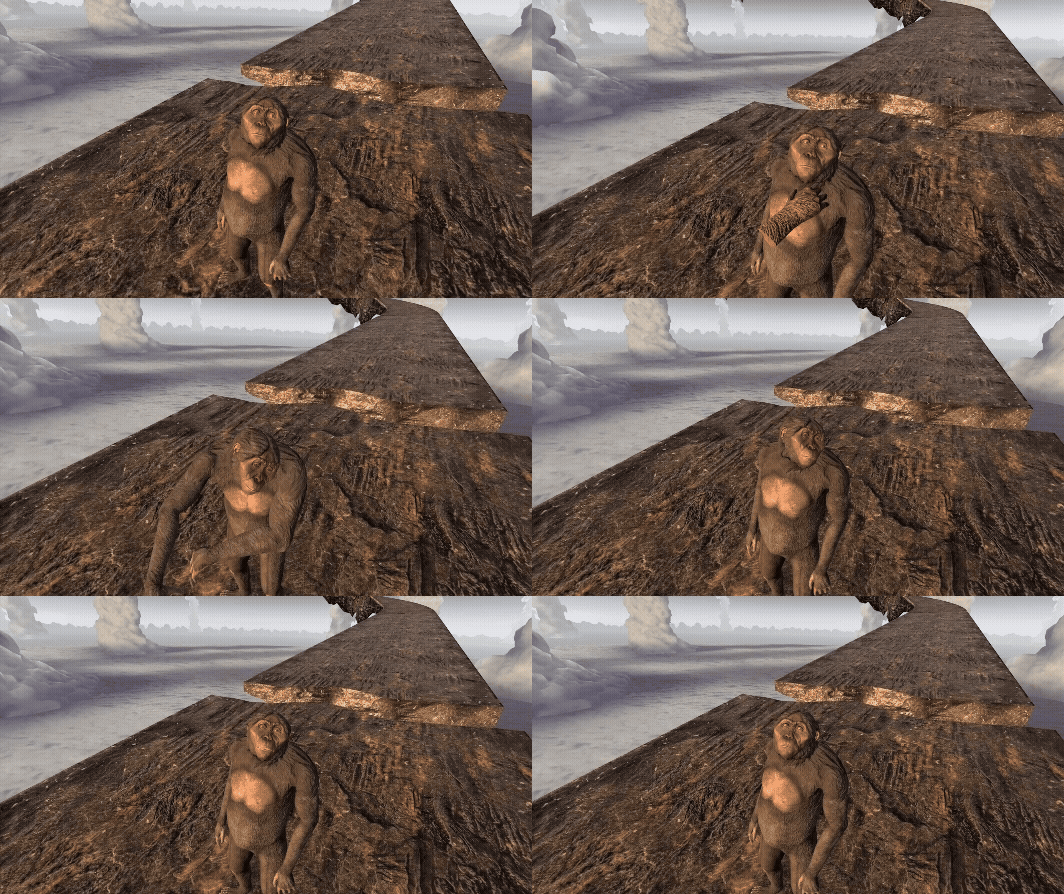
Learning Goals: Understand the environmental pressures that shaped early human evolution. Explore why moving from the trees to the ground was a major evolutionary change.
Overview Set in the savannah, this level immerses students in a world of danger, change, and adaptation. By following Ardi and confronting the challenges of life on the ground, students discover why leaving the trees was such a revolutionary step in human evolution. The level reveals that descending from the trees and stepping into danger was driven not by choice, but by necessity.
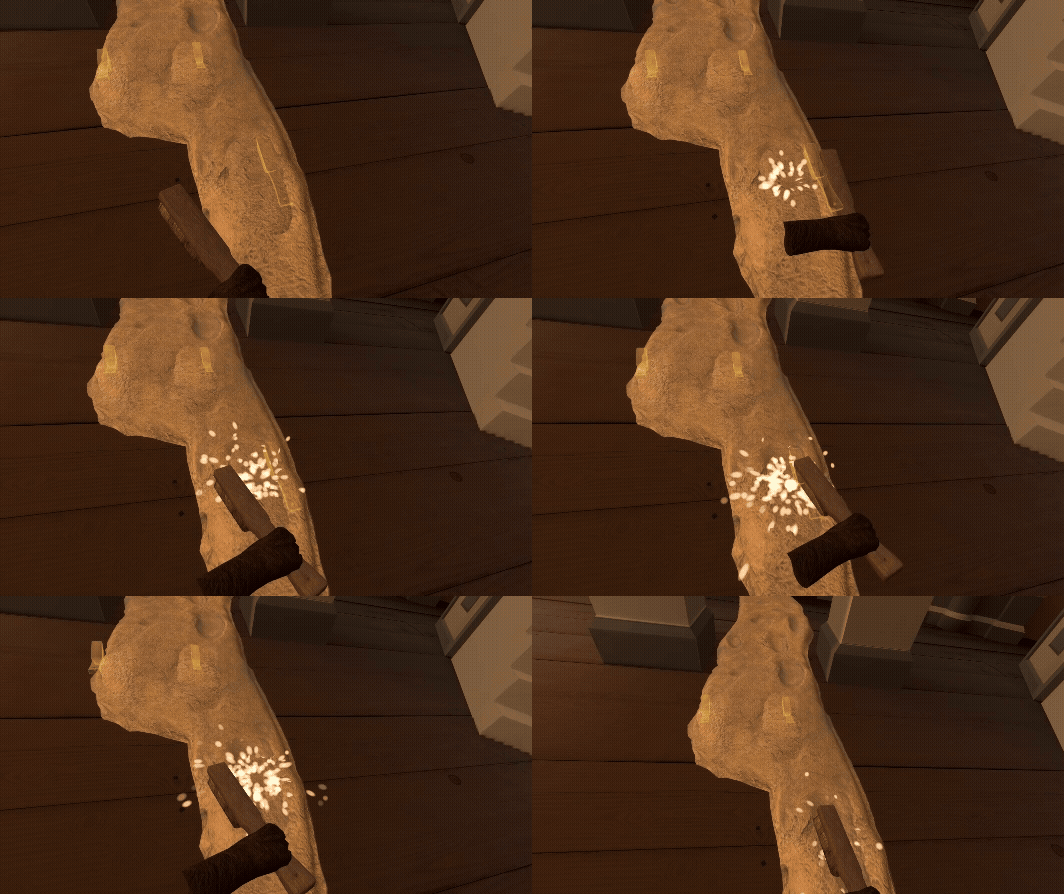
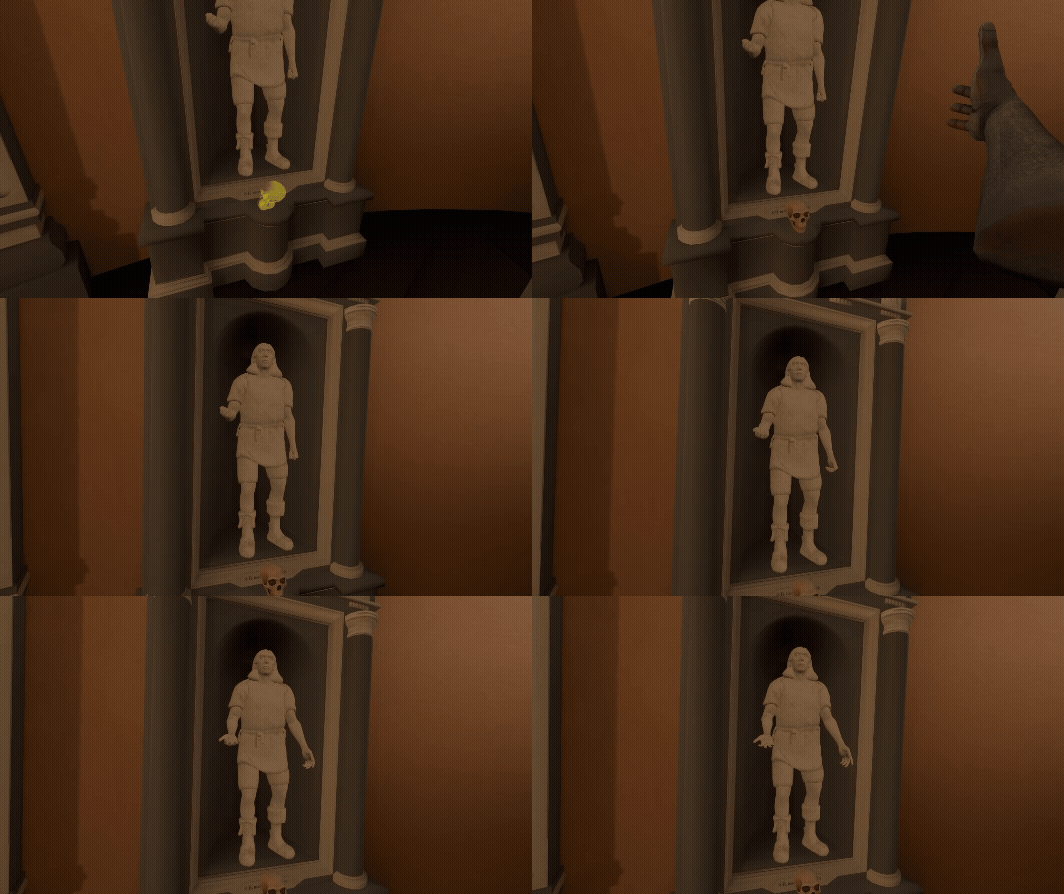
Learning Goals: Understand why the Laetoli Footprints are important evidence in the story of human evolution. Learn about cultural heritage. Intertwining with art history.
Overview Returning to the classical rotunda, this level invites students to begin collecting Ancestral Knowledge. At its centre is the discovery of the Laetoli Footprints, one of the most important pieces of evidence for early human bipedalism. By carefully cleaning and uncovering the footprints, students engage directly with the traces left by our ancestors and explore how even fragile marks in the ground can transform our understanding of human evolution. The level also connects science with cultural heritage: the ancestor statues are inspired by classical works such as Michelangelo’s David and Myron’s Discobolus, linking the story of human origins with the artistic traditions through which people have represented the human body across time.
Learning Goals: After the lesson, the student will be able to use coefficients and subscripts correctly in a reaction equation; balance reaction equations presented visually also in written form; balance and complete the reaction equations; explain the process of balancing chemical equations; fix incorrectly balanced equations.
OverviewThis lessons teaches the student to balance chemical reactions typically taught in Basic Chemistry, working one's way from simpler equations to more difficult ones in 8 levels. Student will learn about: coefficients, reaction equation balancing, chemical structure of substances.

Game modes: Single User
Supported platforms: Meta Quest 3S, Meta Quest 3, Meta Quest 2
Category: Games
Genres: Education
Languages: English, Estonian, German, Dutch, Italian, Spanish
Duration:
Privacy Policy: Privacy Policy
Terms of Service: Terms of Service
Space required: 1.23 GB
Internet connection: Internet connection not required
Lesson plans to conduct an effective lesson using VR devices, AR and 3D models.
Fast Guide How To Kick-Start VR Use in Your School One-Pager
Assigning a contact person in school
VR game runs on Meta Quest 3, Pico Ultra. These are standalone VR headsets don't require a PC or external sensors.
Yes, to ensure successful implementation in your classroom, all bundles include teacher training and support.
Our curriculum is designed for high school and middle school history and biology classes.
We can help you acquire suitable headsets through our ??? bundle.
Our curriculum integrates with Google Classroom, Canvas, Schoology. We can also provide materials in formats compatible with other learning management systems.
No, we don't collect any student data. Our VR game/experience works completely offline.
MDM is not required, but can be helpful for managing multiple headsets.
Teie ees olev koduleht on ehitatud ja koostatud nii, et see vastaks WCAG 2.2 AA juurdepääsetavuse suunistele. See tähendab, et on kasutatud teatud tehnilisi vahendeid ja sisu koostamise põhimõtteid, et veebilehel avaldatav info oleks kättesaadav ja kasutatav võimalikult paljudele inimestele. Lisaks on võimalik ligipääsetavust parandada brauseri ja operatsioonisüsteemi seadete abil ning selle lehe ligipääsetavuse paneelis (sh kirjatüübi muutmine).
Põhjalikum samateemaline juhend (inglise keeles): AbilityNet guide.
Sellel kodulehel on võimalik navigeerida ainult klaviatuuri abil. Navigatsioon toimub Tab (tabulaator) klahvi ja noolteklahvide abil. Iga Tab klahvi vajutusega liigub fookus järgmisele aktiveeritavale elemendile. Fookuses oleva lingi aktiveerimiseks vajuta Enter.
Esimene link, mis klaviatuuriga navigeerides aktiivseks muutub, on „Liigu edasi põhisisu juurde” (skip link), mis jätab vahele päise ja menüü ning viib põhisisu juurde.
Veebilehel on võimalik muuta sisu kontrastsust, et lugemist hõlbustada. Kasuta selle akna “Kontrastsus” seadeid (must/kollane või vaikimisi).
Sisu suurendamiseks soovitame esmalt kasutada veebilehitsejale sisseehitatud funktsionaalsust.
Hoia all Ctrl-klahvi (macOS-is Cmd-klahvi) ja liigu hiirerulliga üles/alla.
Kasuta näpistamise (pinch-to-zoom) žesti (kaks sõrme kokku/laiali).
Brauseri menüüs (nt ⋮ või ≡) vali Zoom / Suurendus ja muuda protsenti.
Windows 10/11: leiad programmi Magnifier Start-menüüst (otsi “Magnifier”) ja vajuta Enter.
macOS: Apple menüü > System Preferences > Accessibility (või Universal Access) > Zoom.
Ekraanilugeja on programm, mis interpreteerib ekraanil kuvatut ja edastab selle teistes vormides (nt helina). Eelkõige on see abivahend vaegnägijate jaoks.
Sisu on loodud nii, et see oleks ekraanilugejatele arusaadav: piltidel on tekstilised kirjeldused, video juures kirjeldused ning struktuur toetab loogilist navigeerimist.
Valik populaarseid ekraanilugejaid:See veebileht on osaliselt vastav WCAG 2.2 AA ligipääsetavusnõuetele.
Sisu ja funktsioonid, mis ei ole täielikult ligipääsetavad:
• “Liigu edasi põhisisu juurde” (skip link) ei pruugi töötada järjepidevalt kõikides mallides. (WCAG 2.4.1 Bypass Blocks)
• Mobiilse navigatsioonimenüü avamise nupp ei ole kõikides keeltes täielikult lokaliseeritud. (WCAG 3.1.2 Language of Parts)
• Mõned dekoratiivsed või brändi kujutised ei sisalda kirjeldavat alternatiivteksti. (WCAG 1.1.1 Non-text Content)
• Mõned interaktiivsed komponendid (nt modaalaknad või navigeerimispaneelid) ei pruugi alati säilitada loogilist fookuse järjekorda. (WCAG 2.4.3 Focus Order)
Eesmärk on rakendada toimiv skip-link lahendus (fookustatav sihtmärk) ning tagada ligipääsetav alternatiiv tagasiside saatmiseks.